

Best WiFi Extenders Under £50! Are you sick and tired of having dead zones around your home where your WiFi signal just disappears? You’re not alone! Millions of UK households suffer from poor internet coverage in their homes, particularly in larger or thick-walled houses. The good news? You need not spend a fortune to fix this issue.
📶 Why do you need a WiFi extender- Introduction
- Imagine you are sitting in the living room watching your favourite Netflix series as you suddenly feel the need to refuel with a snack from the kitchen. Your show suddenly starts to buffer endlessly. Sound familiar? This maddening situation unfolds in homes across the UK every single day.
- WiFi extenders are a complete game changer for households with weak or vague internet signals. They are like personal WiFi superheroes that come and save the day, extending your network to every inch of your house. The best part? You get so much performance for your money.
- By 2026, budget options are everywhere – and they’re good. And no matter if you’re working from your home office, streaming in the bedroom or gaming in the basement, there’s a suitable WiFi extender available for under £50.
📡 Understanding WiFi Extenders in 2026
⚙️ How WiFi Extenders Work
- If your WiFi router is a lighthouse, then its beams should cut into the cyberspace ocean. But sometimes the signals are interrupted by walls, furniture or distance, resulting in “shadow zones” of your home where your devices can’t connect to each other properly. A WiFi extender is essentially a relay station, picking up your router’s signal and rebroadcasting it farther into your home.
- In 2026, new technology in modern extenders guarantees uninterrupted information transmission. They make what’s known as a “mesh-like” experience, although technically they’re different than actual mesh systems. It all works like magic when your device automatically connects to either your router or extender, whichever has the strongest signal.
📊 Types of WiFi Extenders Available
Extenders aren’t created equal, and knowing the types will prepare you for making a good pick:
🔌 Plug-in Extenders: These small devices plug straight into your wall socket. They’re ideal for smaller homes or apartments when you need to get rid of a particular dead zone.
🖥️ Desktop Extenders: Bulkier units that sit on a shelf or desk, with stronger antennas and better performance for large homes.
📡 Dual-band vs. Tri-band: Dual-band extenders operate on 2.4GHz and 5GHz frequencies, whereas tri-band models add an additional 5GHz band to improve performance even further.
📊 WiFi Extender Comparison Table (Best WiFi Range Extender – 2026)
| Model | Speed Rating | Coverage | Ethernet Port | Best For | Approx Price |
|---|---|---|---|---|---|
| TP-Link RE315 | AC1200 | Up to 1,200 sq ft | Yes | Overall value & balanced performance | £32.83 |
| NETGEAR EX6120 | AC750 | Up to 1,000 sq ft | Yes | Gaming & stable wired connections | £29.99 |
| BT Mini Whole Home Wi-Fi | AC1200 | Up to 1,000 sq ft | No | BT broadband users | £39.99 |
| D-Link DAP-1620 | AC1200 | Up to 1,000 sq ft | Yes | Compact design & easy setup | £56.21 |
| Linksys RE2000 | AC1200 | Up to 1,500 sq ft | Yes | Large homes & extended coverage | £64.87 |
🔎 What to Look for in Budget WiFi Extenders
🚀 Speed and Performance Standards
➤ WiFi extenders under £50 will come in a range of different speed ratings. The key takeaway here: search for AC1200 or more. It means, inherently, the extender is capable of plugging along at up to 1200Mbps (combined) across the two frequency bands.
➤ But the thing is – you’re usually only getting 50-70% of advertised speeds in a real world. That’s a still a lot for most households! An AC1200 extender will have no trouble supporting HD streaming, video calls and general browsing at the same time.
➤ In 2026, many budget wi-fi models and gadgets are also beginning to support Wi-Fi. WiFi 6 (802.11ax) technology is where things are at. It’s not necessary, but it future-proofs your purchase and shows better performance in homes with many connected devices.
🏠 Coverage Area and Range
Coverage specifications can be confusing, as no two homes are alike. A extender that promises 1,500 square feet of coverage might fall short in a house with several floors or thick walls. Look for models that are listed as penetrating walls and can work on multiple levels.
Most plug-in extenders cover 800-1,200 square feet; desktop models can cover 1,500-2,000 square feet. Keep in mind, more overlapping coverage is better than the gaps in your network.
🔐 Compatibility and Security Features
➤ Your extender will work with any router, no matter who makes them. The latest gadgets should be universally compatible and support the highest security protocols including WPA3 encryption. That way, your extended network will be as secure as the main router itself.
➤ WPS (WiFi Protected Setup) buttons and other easy setup features can save you headaches when it comes time to install. Some of the newer models even include smartphone apps to guide you through setup, step by step.
🏆 Best WiFi Extenders under £50 (UK)- 2026
🥇 TP-Link RE315 AC1200 – Best Overall Value#1
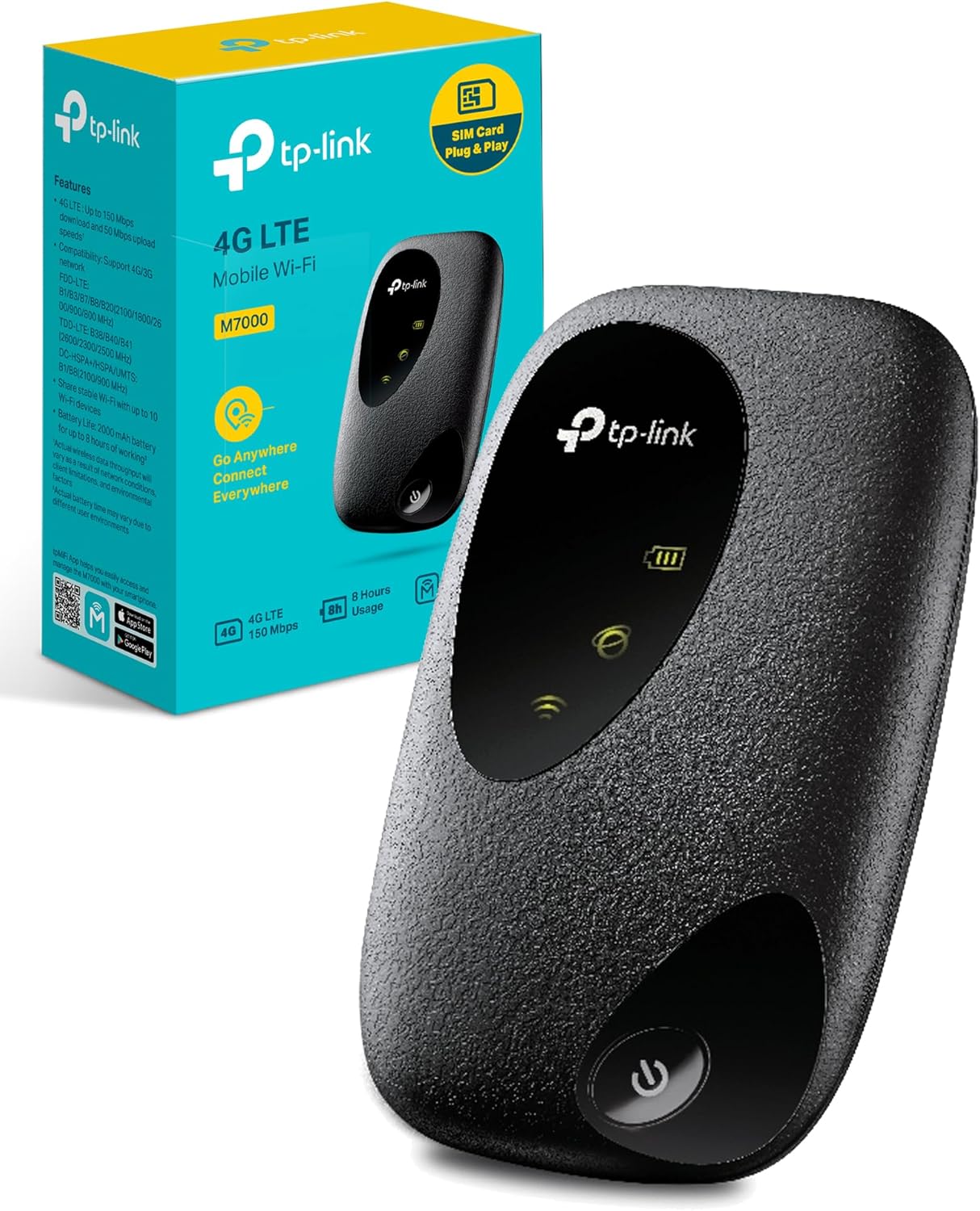
- For good reason, the TP-Link RE315 sits near the top of our list. It costs between £32.83, which delivers unrivalled value. With the ability to cover up to 1200Mbps, this dual-band extender is ideal for most homes in the UK.
- The RE315’s standout feature is its intelligent signal indicator, which guides you to the best placement spot. Setup is refreshingly simple: press the WPS button and you’re connected in minutes. If manually setting up, however, the TP-Link Tether app holds your hand through every step.
- Coverage is up to 1,200 square feet – plenty for most semi-detached and terraced homes. With its compact design there’s no risk of covering nearby power outlets, and with internal antennas, it performs well on both 2.4GHz and 5GHz bands, budget WiFi extender for home.
🎮 #2 NETGEAR EX6120 – Best Gaming Range Extender

- Gamers, this one’s for you! The (Gaming) NETGEAR EX6120 normally retails for £29.99 and comes with features that have been fine-tuned for gaming and streaming. It supports AC750 speeds, and features FastLane technology, which dedicates one WiFi band to connecting back to your router while dedicating the other to your devices.
- The EX6120 is also equipped with a wired Ethernet port, so you can connect gaming consoles or PCs that must have the most stable connection possible, budget WiFi extender for home. Unlike many of the other small business routers I looked at, these external antennas are adjustable; you can direct their signal where it’s most needed.
- Setup is simple with NETGEAR’s installation assistant, and the device works with any router. Ideal for targeting heavy signal strength toward particular areas you need it most, the coverage area is around 1000 sq. ft.
🏠 #3 BT Mini Whole Home Wi-Fi – Best If You Are A BT Customer
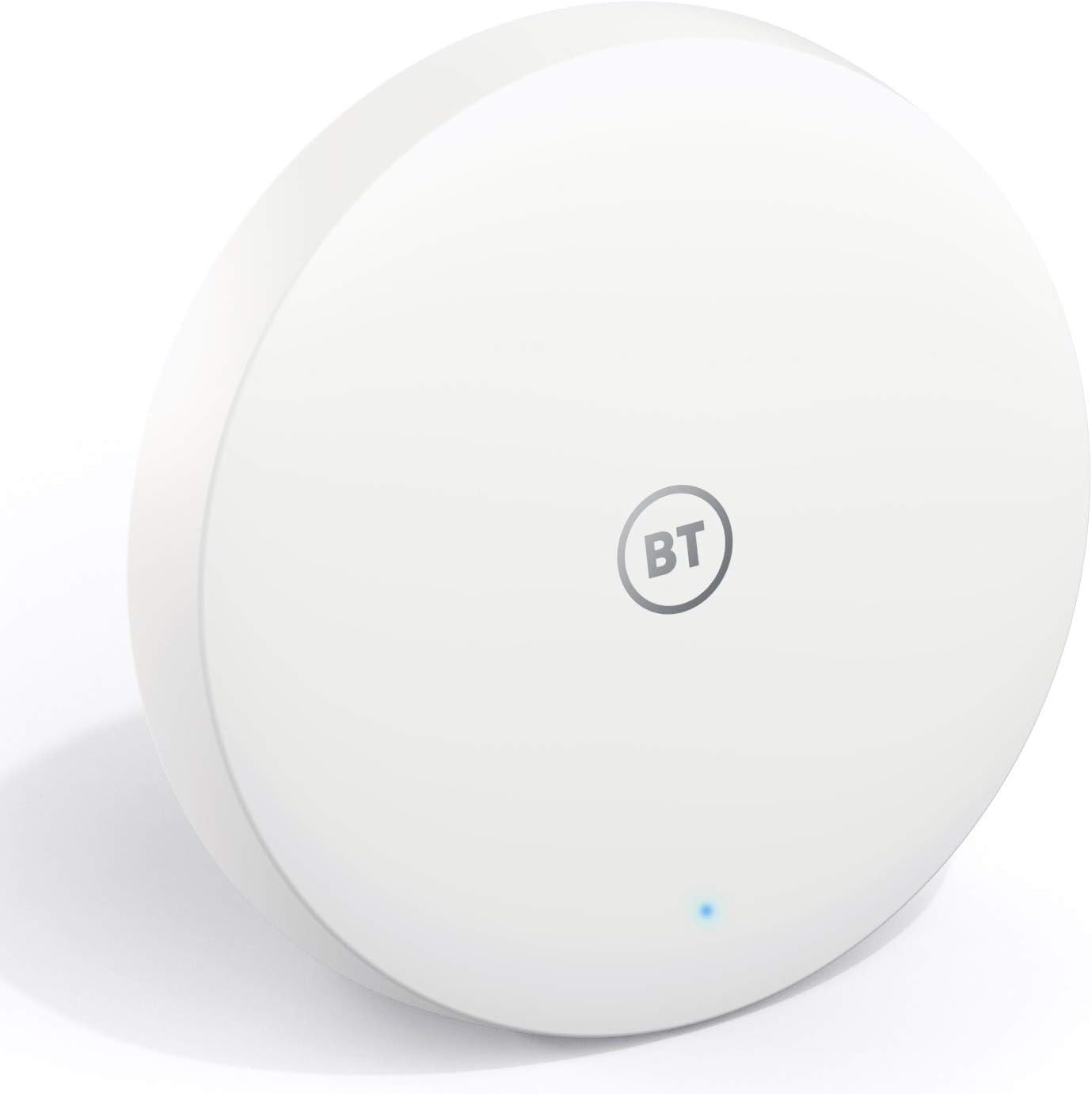
- If you’re a BT broadband customer, the BT Mini Whole Home Wi-Fi (trade it around £39.99) supplements with your existing setup effortlessly. It works with other routers, but you get the smoothest experience when using it on BT’s equipment (it can automatically set itself up and optimize crosstalk, for example).
- This small device features mesh-like technology that creates a single unified network name, so you won’t have to switch between several different networks as you walk around your house. It covers around 1,000 square feet per unit, and you can get multiple units for larger homes.
- For BT customers, the setup is impressively painless: you plug it in and it does the rest by itself. There’s parental controls, guest network features and more available through the BT app, cheap WiFi extender.
🧩 #4 D-Link DAP-1620 – Best Design Compact

- The D-Link DAP-1620 (£56.21) WiFi booster under £50, is only small, but don’t let its size mislead you – it’s a great performing device in a truly small package. It’s about the size of a standard plug adapter – the in-home portion makes for easy, discreet installation anywhere.
- Small in stature but mighty where it counts, the DAP-1620 kicks out AC1200 speeds and covers up to 1,000 square feet. The setup process is along the lines of WPS, for quick connection, or you can opt for D-Link’s QRS mobile app to guide you through its installation.
- Find the perfect spot with smart signal indicator built in the device. Its super-compact design keeps it from blocking other wall outlets, and its unobtrusive LED indicators let you know it’s working without being distracting.
🏡 #5 Linksys RE2000 – Best For Large Homes
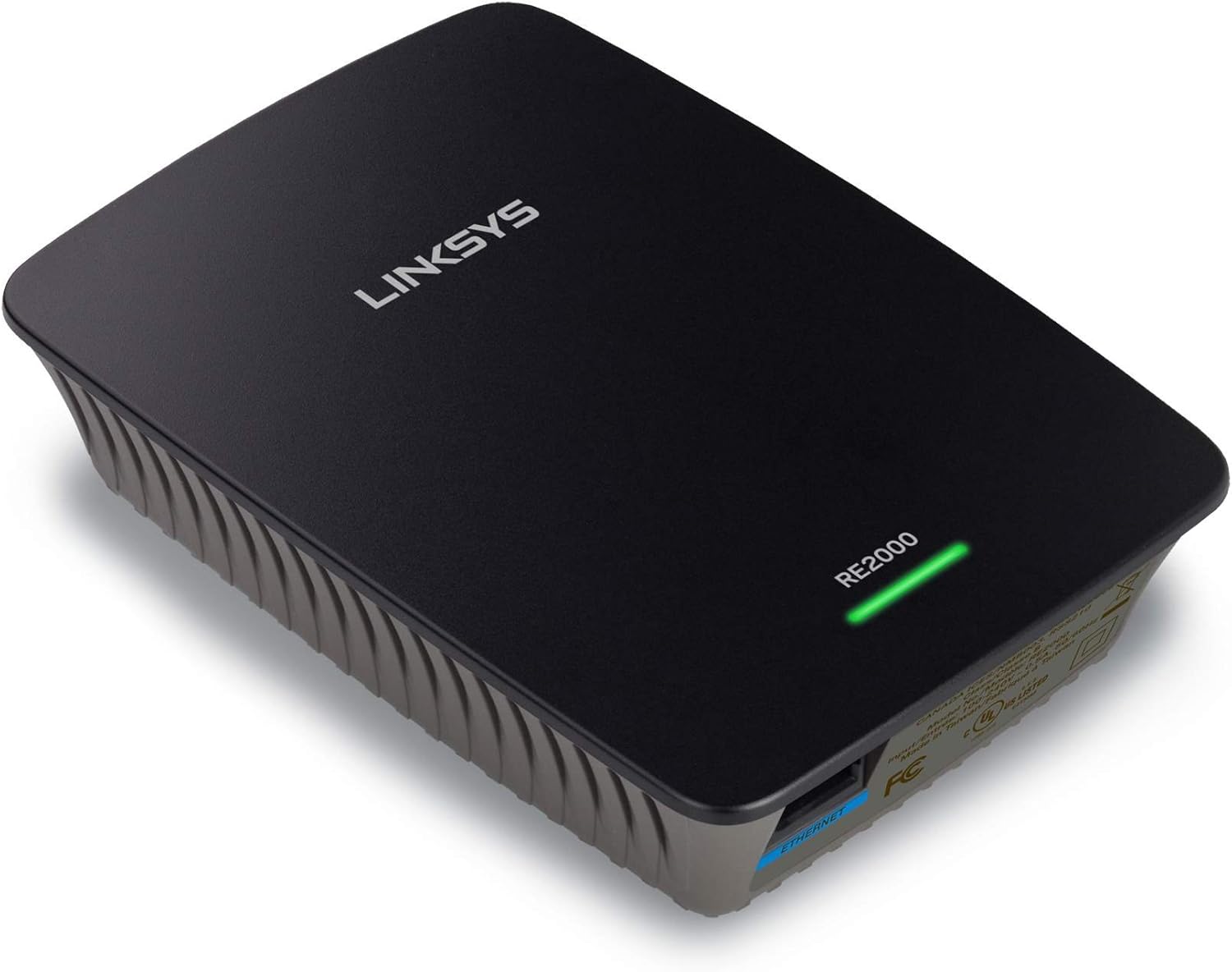
- The Linksys RE2000 (£64.87) best WiFi range extender offers great range and performance for those people on a budget needing all the coverage. It’s an AC1200 dual-band extender that comes with four internal antennas and beamforming capabilities, which help concentrate signals to your devices.
- The RE2000 provides coverage for up to 1,500 square feet, and there’s even a wired Gigabit Ethernet port built in for devices that require the fastest possible connection. Spot Finder Technology: Guides placement location during setup
- What’s special about this model is the ability to create a dedicated guest WiFi network that keeps your main network secure. The device can be set up using WPS setup or the Linksys Smart Wi Fi app, and the device works with any brand of router.
🛠️ Installation and Setup Guide
📋 Step-by-Step Setup Process
Configuring your new WiFi extender doesn’t need to be a technical nightmare. Most contemporary extenders come with a few setup options to choose from, and we’ll take you through the simplest methods that apply to most situations.
⚡ WPS Setup Method
The WPS (WiFi Protected Setup) method is the fastest way to get your extender up and running by far:
📍 Position your extender: Put it about halfway between your router and the dead zone you’re trying to cover.
🔌 Power up: Plug the extender in near your Wi-Fi router, ensure that power LED stabilizes (solid green or blue as per your device usually).
🔘 Push WPS buttons: Press the WPS button on your router, then press the WPS button on your extender within two minutes.
⏳ Wait for the connection: The extender automatically connects to your router. This typically takes 1-2 minutes.
📶 Check signal strength: Many extenders come with LED indicators that display connection quality. Change the location of the extender if you need a better signal.
🧰 Manual Configuration
If your router doesn’t support WPS or you want to set it up manually:
📱 Connect to extender: On your phone or computer, look for and connect to the default network name of your new extender (usually found on a label on the device);
🌐 Step 1: Access Setup Page Open a web browser and enter the setup URL (usually it is like – 192.168.1.1 or as specified in the manual).
📡 Run setup wizard: Scan for and select your home network per on-screen instructions.
🔑 You’ll be asked to enter a network password: Enter your WiFi password.
⚙️ How to configure: Use a same network name or provision new extended network name
📍 Placement: Use signal strength indicators to find the best spot.
📈 Optimizing Your WiFi Extender Performance
📍 Placement Tips for Maximum Coverage
To get the most out of your WiFi extender, keep it in the right place. Consider it like a bridge placement – it should be close enough to your router that it gets a strong signal but far enough away so it can extend the reach to your trouble areas.
📏 The 50 percent rule: eep your extender about halfway between your router and the dead zone. If it’s too close to the router, you aren’t going to extend the range very far at all. Be too far away and the signal will grow so weak that it can’t be effectively rebroadcast.
📡 Elevation Matters: Place your extender as high as your router when possible. WiFi signals radiate more efficiently left and right than up and down, so if both the router and device are at the same elevation level, performance is enhanced.
🚫 Avoid Interference: Keep your extender from thick walls, metal items and other appliances like microwaves or baby monitors that can interrupt signals.
⚠️ Avoiding Common Setup Mistakes
There are a couple of common mistakes that many people unwittingly make that can hinder your extender’s performance:
❌ Use a different name for your network: Although it all makes sense at first to name the extended network differently (HomeWiFi_EXT, etc.), this will fail roaming between the router and extender.
🔄 Neglecting Firmware Updates: Manufacturers consistently release updates enhancing performance and security. In the first few months after installation, check for updates monthly.
📡 Neglecting Channel Interference: If you live in a densely populated area, then you might have other networks nearby competing with yours. Find less used channels using WiFi analyzer apps.
🧯 Troubleshooting Common Issues
The best extenders sometimes hiccup, too, but most problems have easy fixes:
⚡ Poor Speeds: This generally denotes poor placement or interference Try moving the extender closer to your router, or try a totally different location.
🌡️ One-Click Disconnect: Excessive overheating or by mistake. Make sure your extender has adequate ventilation, and isn’t plugged into a power strip with high-draw appliances.
📶 Device Won’t Connect: Reboot both your router and extender, then try setting it up again. A fresh start can sometimes resolve connectivity conflicts.
📉 Weak Signal: If you see poor signal strength indicators, either move the extender to a better location or remove interference.
👍 Pros & Cons of Budget WiFi Extenders
👍 Pros
✔ Affordable solution – Most models cost under £50 while still improving coverage significantly.
✔ Easy installation – Many devices support WPS one-button setup or smartphone apps.
✔ Better WiFi coverage – Eliminates dead zones in bedrooms, kitchens, and upstairs rooms.
✔ Works with any router – Compatible with most major router brands.
✔ Improves streaming and browsing – Helps stabilize connections for video calls, streaming, and smart devices.
👎 Cons
❌ Reduced speed compared to router – Extenders usually deliver 50-70% of the original router speed.
❌ Placement sensitive – Incorrect placement can reduce effectiveness significantly.
❌ Limited performance in large homes – Very large houses may need multiple extenders or a mesh system.
❌ Possible interference – Nearby networks or thick walls can still affect signal quality.
📌 Conclusion – Best WiFi Extenders Under £50
➤ Purchasing the right WiFi extender for under £50 needn’t be a daunting task. Whether you choose the all-around TP-Link RE315, the gaming-focused NETGEAR EX6120 or any of our other best buy picks, the solution will dramatically improve your home’s internet life.
➤ Keep in mind that the best extender for your home will be different based on individual needs, house layout, and usage. Think about coverage, speed requirements and any special features important to you. With the right placement and setup each of these budget-friendly choices will eliminate those annoying dead zones and keep you connected throughout your entire house.
➤ The technology available in 2026’s budget extenders is on par with what premium models offered just a few years ago. You are getting excellent value, dependability and performance without the high price. This means you no longer have to deal with internet dead zones, and the connection is solid in every part of the house.
❓ Frequently Asked Questions (FAQs) – Budget WiFi Extender for Home
Q1: Do WiFi extenders slow down your internet speed?
➤ Extenders do slow speeds a bit (the usual range is 25–50 percent of your router’s speed), but this is rarely noticeable in day-to-day activities such as browsing, streaming or video calls. The better coverage tends to make up for the minor loss of speed, particularly in regions that previously had weak or nonexistent signal.
Q2: Do multiple extenders interfere with each other if in the same house?
➤ Yes, it is possible to use several extenders, but placement is key. Extenders should connect to your main router, not cascade from one to the next; this can have a serious effect on performance. For homes that will require several extenders, opt for a mesh system instead.
Q3: Will a WiFi extender work with any router brand?
➤ Absolutely! Our list includes extenders that play nice with any router brand. That said, some features such as automatic configuration may work best if you use the same brand for your router and extenders.
Question 4: How frequently to restart WiFi extender?
➤ Most new extenders will run for extended periods of time without issue. But if performance starts to lag, rebooting once a month can help clear out temporary bugs and glitches. Some users keep extenders as part of their monthly “tech restart” routine.
Q5: How is a WiFi extender different from a mesh system?
➤ WiFi extenders repeat the signal from your existing network, while mesh systems establish a single, unified network with several access points. Mesh systems generally perform better and provide seamless roaming, but they can be much more expensive. For under £50, a good quality extender can do wonders in most homes.